 Sizewise
Press
Everything you need to write about Sizewise. Use any of the words or pictures on this page as they are, or trim them. To try the full app for a review, email support@getsizewise.app for a free license key.
In one line
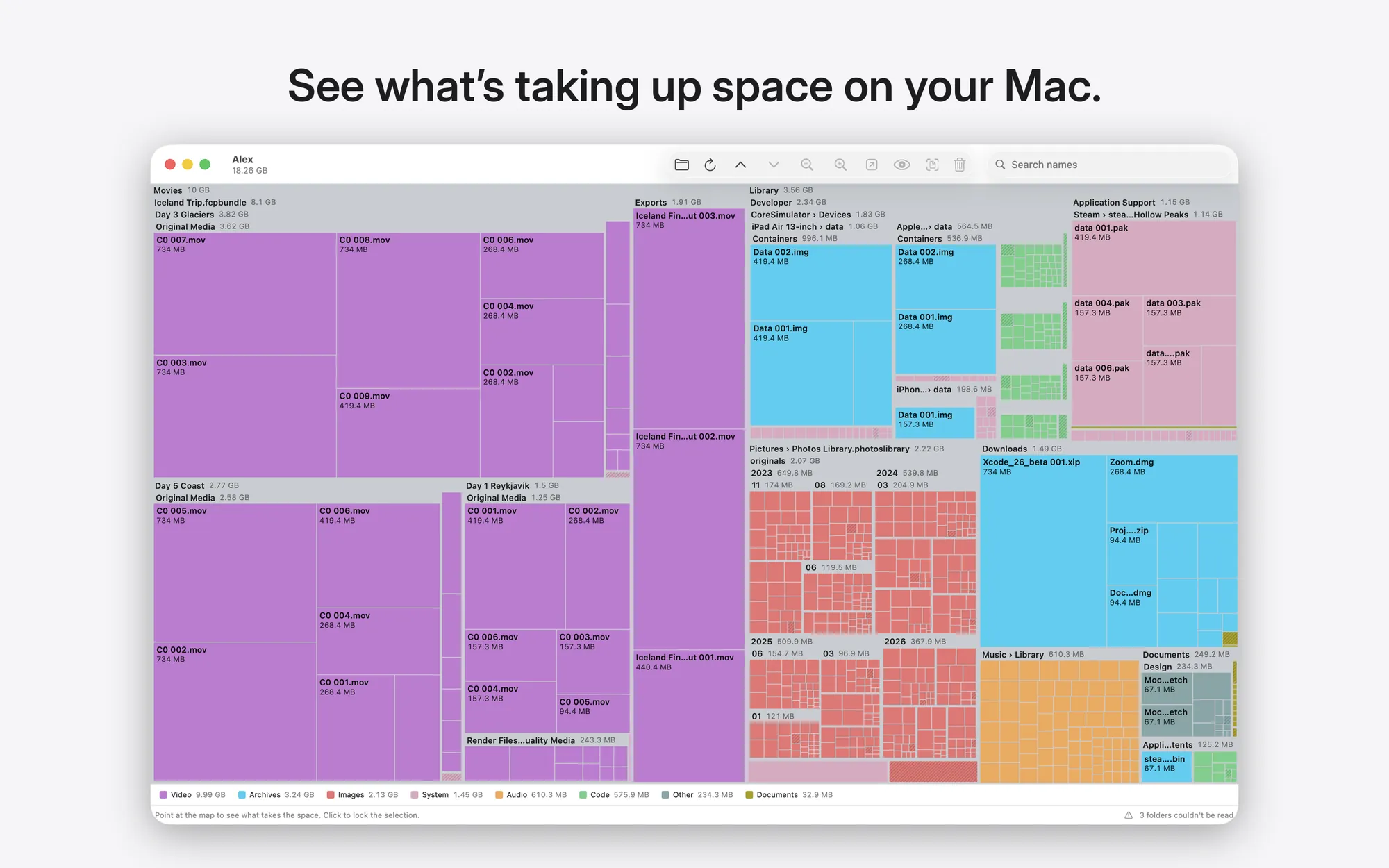
Sizewise draws any folder or disk on your Mac as a map, so you can see what’s taking up space.
In about 50 words
Sizewise is a disk space app for Mac. It draws any folder or disk as a map, where every file is a rectangle sized by the space it takes. Colors show kinds of files, search and filters light up matches, and saved scans show what grew. It never deletes anything on its own.
In about 200 words
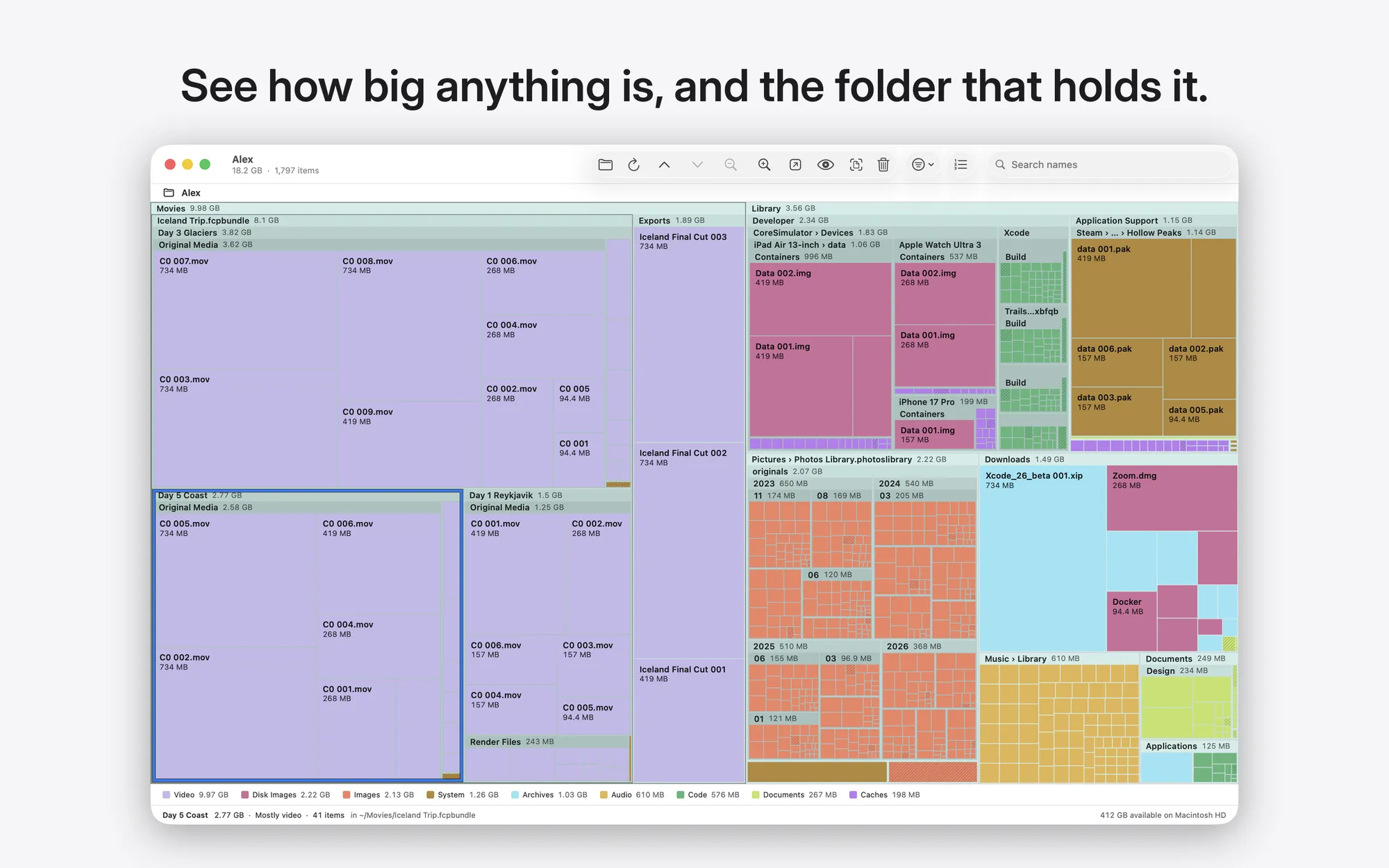
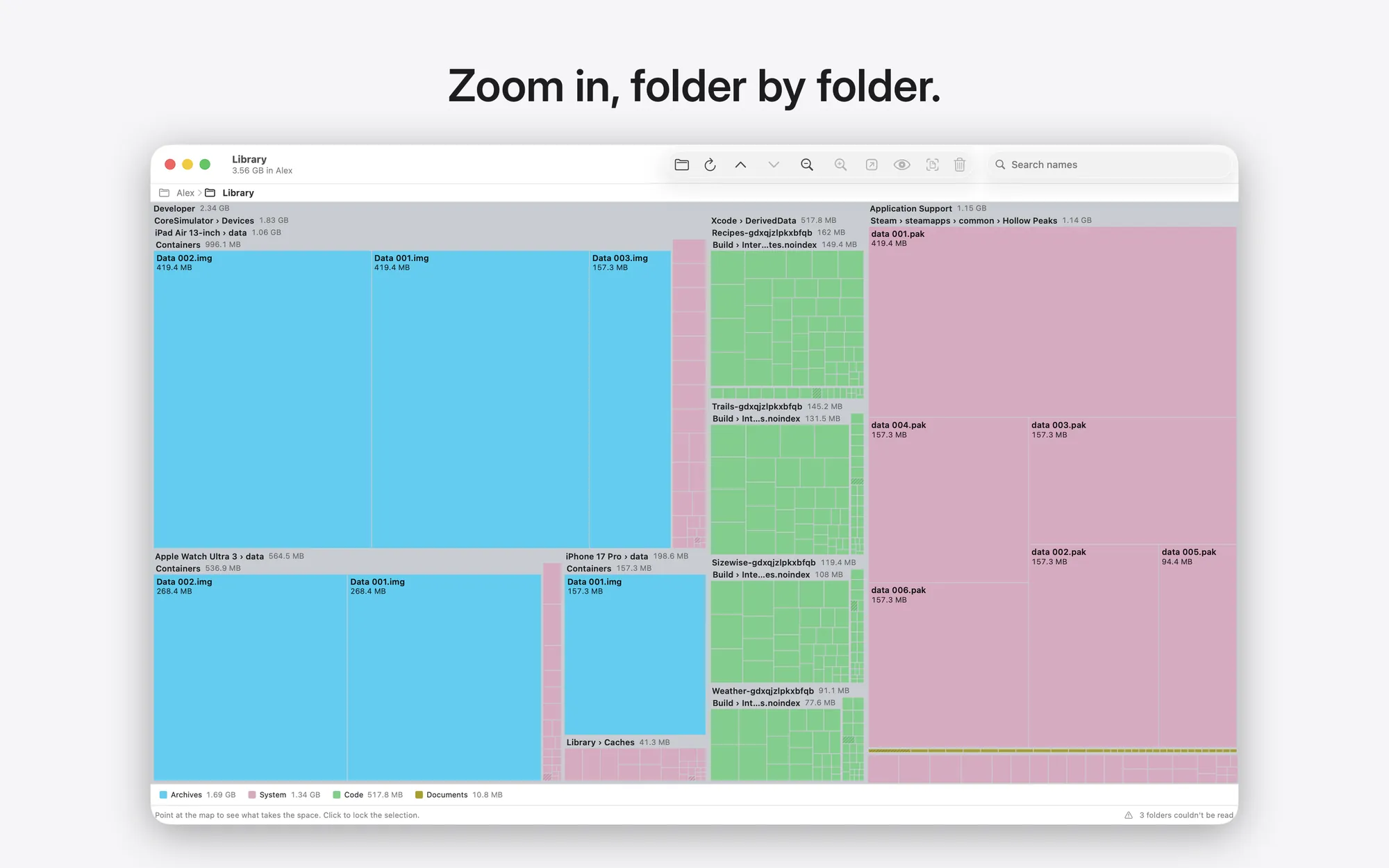
Sizewise is a disk space app for the Mac. It draws any folder or disk as a map: every file is a rectangle sized by how much space it takes, and files in the same folder sit together.
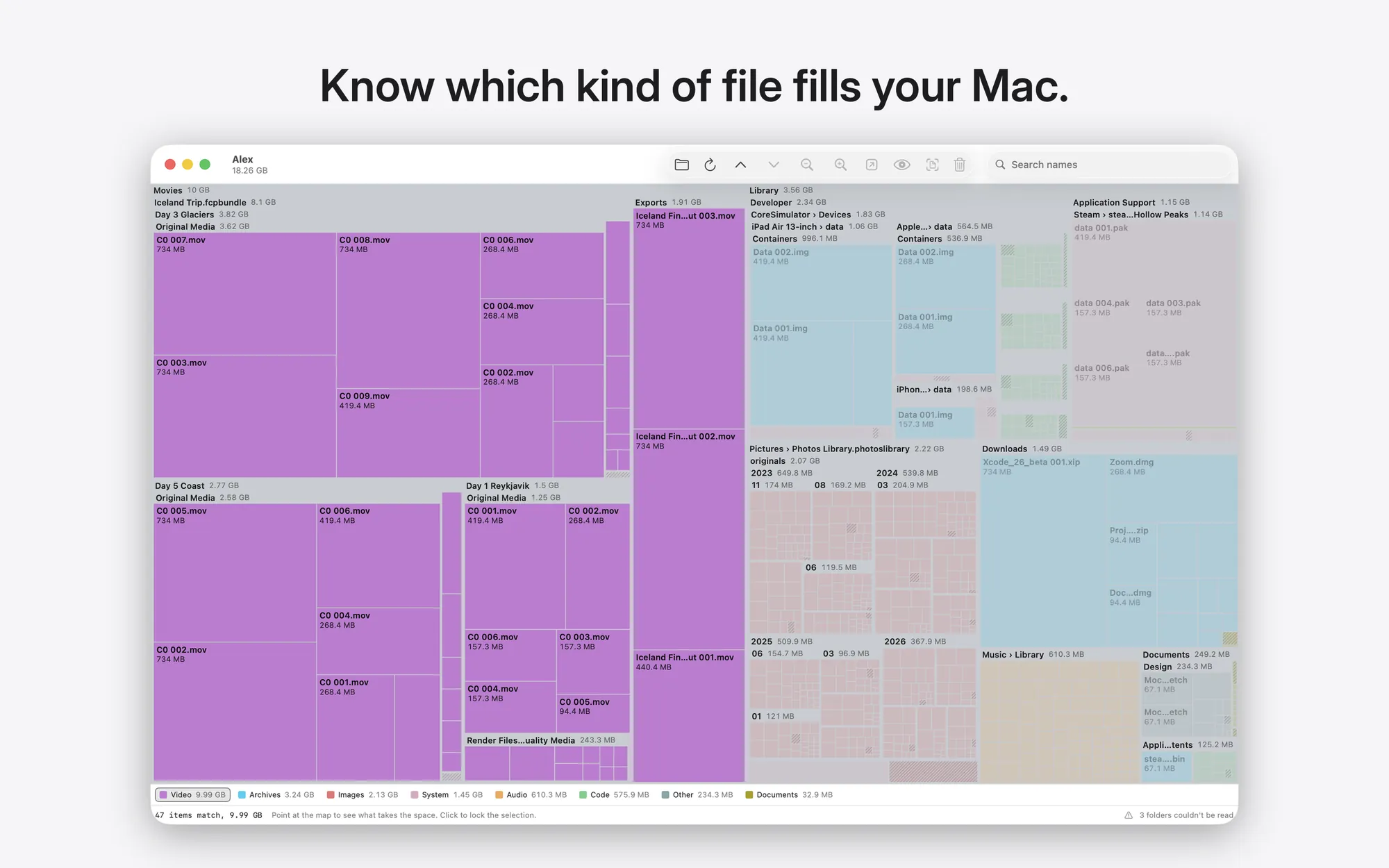
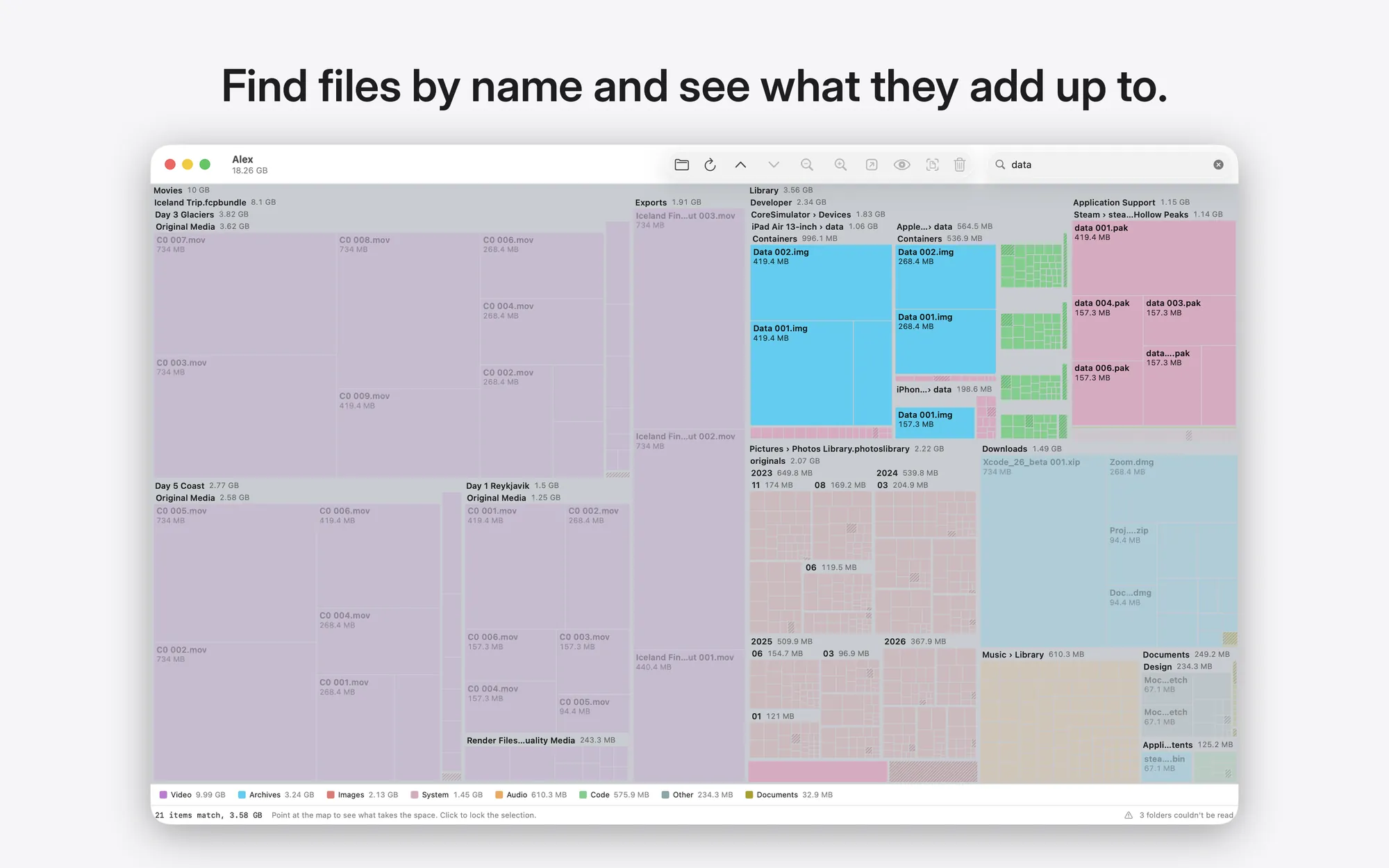
The map fills in while Sizewise scans. Colors show kinds of files, from apps and video to caches and disk images. The legend totals each kind. Search by name, or filter by size or date, to see what the matches add up to.
Scan a folder again to see what changed since your previous scan. Compare with a saved scan to see what grew, shrank and appeared. The map stays current as files change.
Sizewise works from the keyboard, with VoiceOver, and from Shortcuts, Spotlight, Siri and Finder’s Services menu. It never deletes anything on its own: Move to Trash asks before every move, says when deleting would free less than an item’s size, and puts items in the Trash. Sizewise collects no data about your files.
Sizewise needs macOS Sequoia or later. Scanning is free, with no account. A license, $12.99 once for up to 5 of your Macs, adds Move to Trash, Show Changes and Compare with Saved Scan.
Sizewise product details
Sizewise is a Mac app by Ethan Wickstrom. Product and review details:
- Developer
- Ethan Wickstrom
- Requires
- macOS Sequoia or later
- Website
- Sizewise website
- Contact
- support@getsizewise.app
- Review copies
- Free license keys on request
Sizewise pricing
| Option | Price | Included |
|---|---|---|
| Free | $0 | Scanning, measurements, saving and opening scans, and Get Folder Size in Shortcuts |
| License | $12.99 USD once, plus sales tax where it applies | Everything free, plus Move to Trash, Show Changes, and Compare with Saved Scan. Up to 5 of your Macs, with every 1.x update. |
Refunds within 14 days, for any reason. Full license and refund terms.
Screenshots
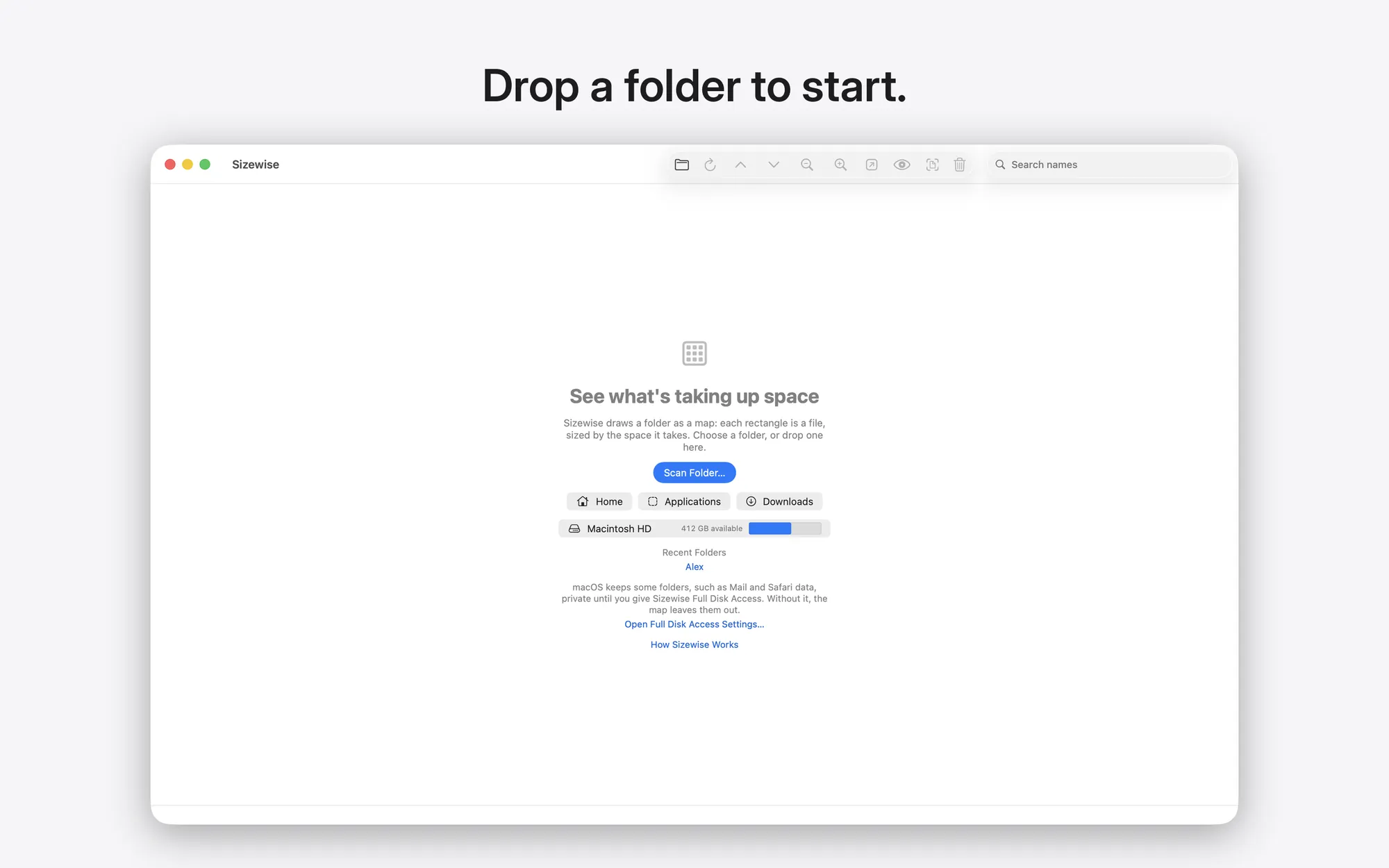
Each shows a sample folder, not a real person’s files. Click one to open the full 2000 × 1250 image.
Uninstall Sizewise after a review
To remove the app and, optionally, its local data:
- Quit Sizewise, then drag it from Applications to the Trash.
- To remove its settings, license and recent-scan cache too, delete these if they exist:
~/Library/Preferences/me.wickstrom.Sizewise.plist~/Library/Application Support/me.wickstrom.Sizewise~/Library/Caches/me.wickstrom.Sizewise~/Library/HTTPStorages/me.wickstrom.Sizewise~/Library/Saved Application State/me.wickstrom.Sizewise.savedState - Saved scans are files you saved yourself. Delete them wherever you put them.
- If you gave Sizewise Full Disk Access, remove it in System Settings > Privacy & Security > Full Disk Access.